Sudoku Entangled
A playground for a strange new kind of Sudoku.
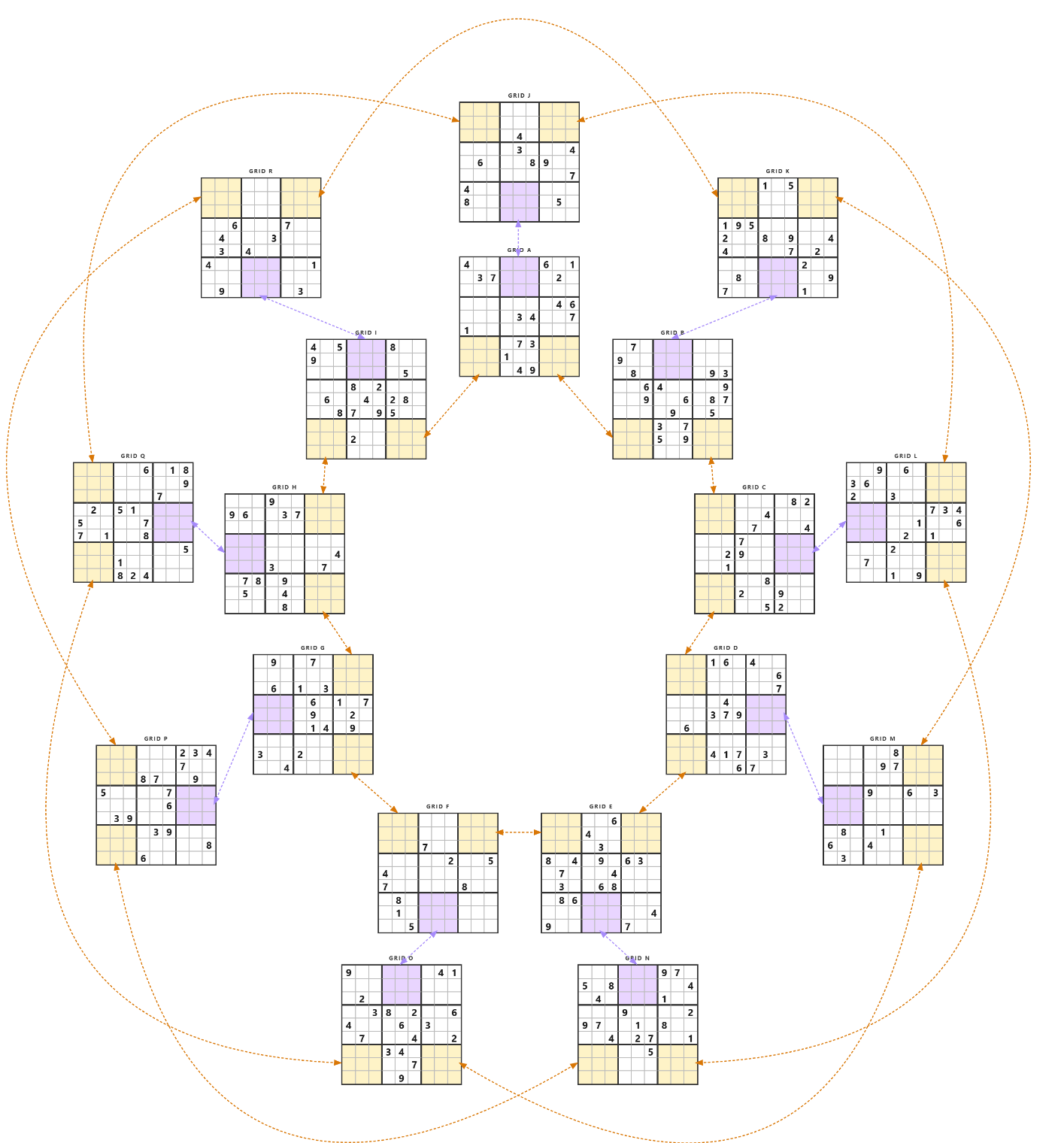
Hey - thanks for being here, and welcome to the closed beta. Before you dive in, one honest heads-up so nothing surprises you:
This is not the finished game. It's my personal puzzle-testing tool. The thing I built for myself to look at the puzzles I've been experimenting with. Virtually no time has gone into UI polish.
The actual game you'd eventually play hasn't been written yet. Every bit of effort so far has gone into creating whacky new kinds of puzzles, which is exactly the part I want your opinion on.
The big question: Is any of this interesting to you? I do want to know. Both the Yays and the Nays.
What is Entangled Sudoku?
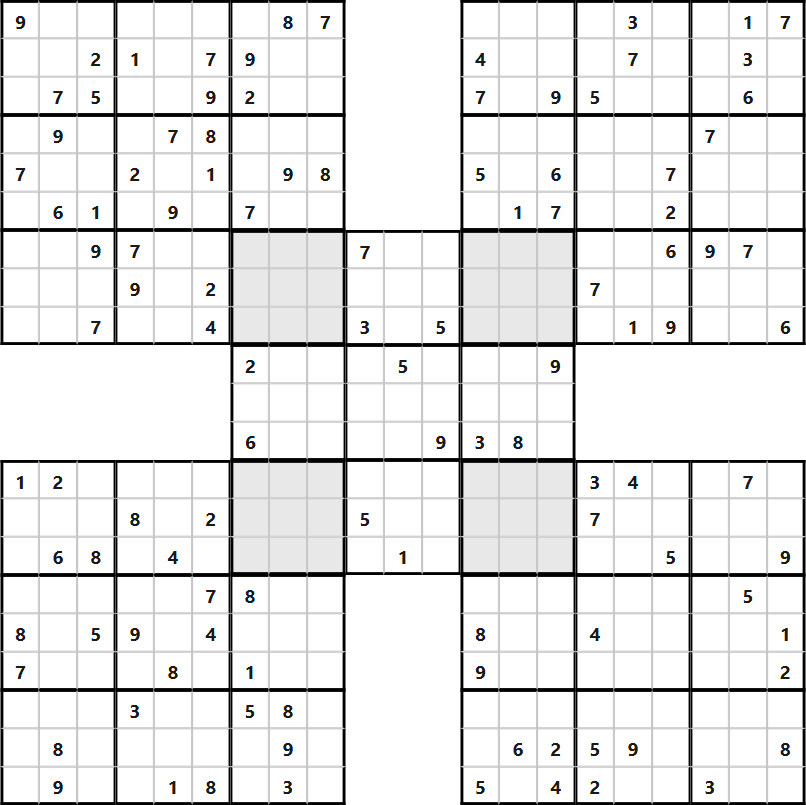
Entangled Sudoku works by establishing an Entangled Pair: a set of cells (usually a 3×3 box) in one grid is exactly the same as a 3×3 box in another grid, in exactly the same order, left to right and top to bottom, like reading order. Think of them as Samurai puzzles, but without actually overlapping.
Functionally there is no difference between this standard Samurai puzzle and this Entangled puzzle.
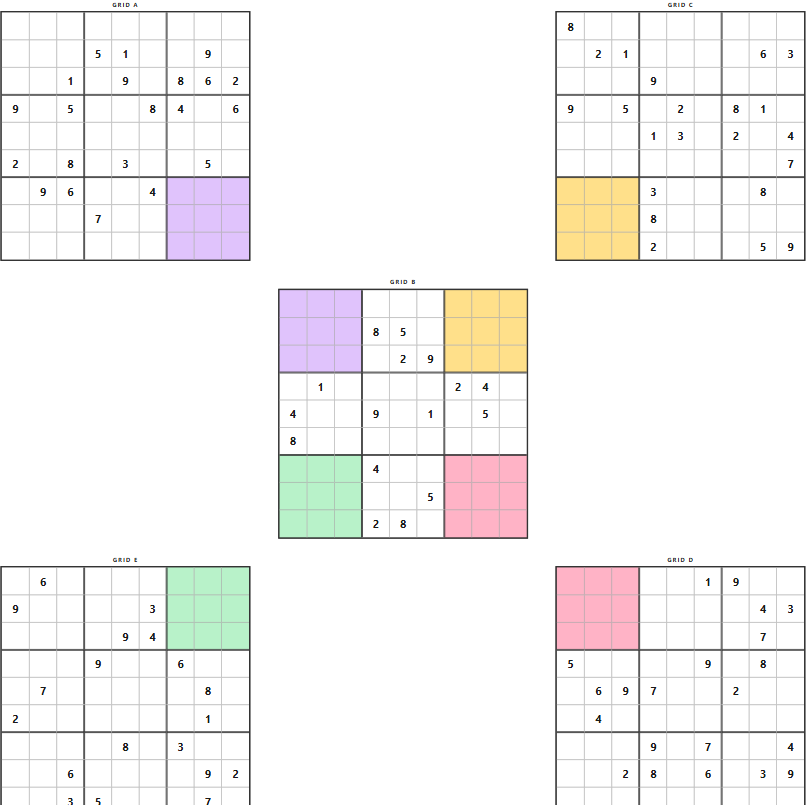
That opens up whole new puzzle topologies to explore, no longer bound by the limitations of physical overlap. So then I went a little nuts with graph theory and started making puzzles just because they made me laugh at the absurdity of them. "I can't possibly make that work" became "Yeah I can!" Trials, tribulations, rewrites, restarts, and bug-chasing took me in circles for a while, but here we are. Creating new, and hopefully fun, Sudoku experiences.
I'm not currently planning to ship Expert or Diabolical tiers, to keep it a bit more new-player-friendly. But if you're reading this and really want the top-end stuff, let me know, I'm willing to rethink it. (See the feedback notes below.)
How the puzzle listing works
You'll land straight on the puzzle listing, showing every puzzle available in the beta.
- Narrow the list with the filters across the top: Difficulty, Type, and a Layout dropdown for one specific shape.
- The specialty entangled types - Entangled, Circle, Non-Planar - are highlighted in purple.
- Click any row to open that puzzle and play it.
- Hover a thumbnail to preview a card explaining that layout's shape - handy for the weirder ones.
Giving feedback (on the game or a puzzle)
This is the part that helps me most. While you're viewing any puzzle:
- Click the Feedback button (bottom-right of the puzzle screen).
- Choose a type: General Feedback, Feedback On This Puzzle, or Suggestion.
- Type your note and hit Save. That's it.
If you pick Feedback On This Puzzle, it automatically attaches a snapshot of your current board, so I can see exactly what you were looking at when you wrote it.
Ignore the Packs screen
Packs aren't part of this beta. If you ever wander onto that screen, just head back to the puzzle listing - there's nothing there for you yet.
Thank you for your time, your patience, and your feedback.
I'm trying crazy new things that entertain me - but not every one is guaranteed to be "fun to play" for anyone else. So even if your feedback is just a simple "Cool" or "meh", it's all valuable to me!!!